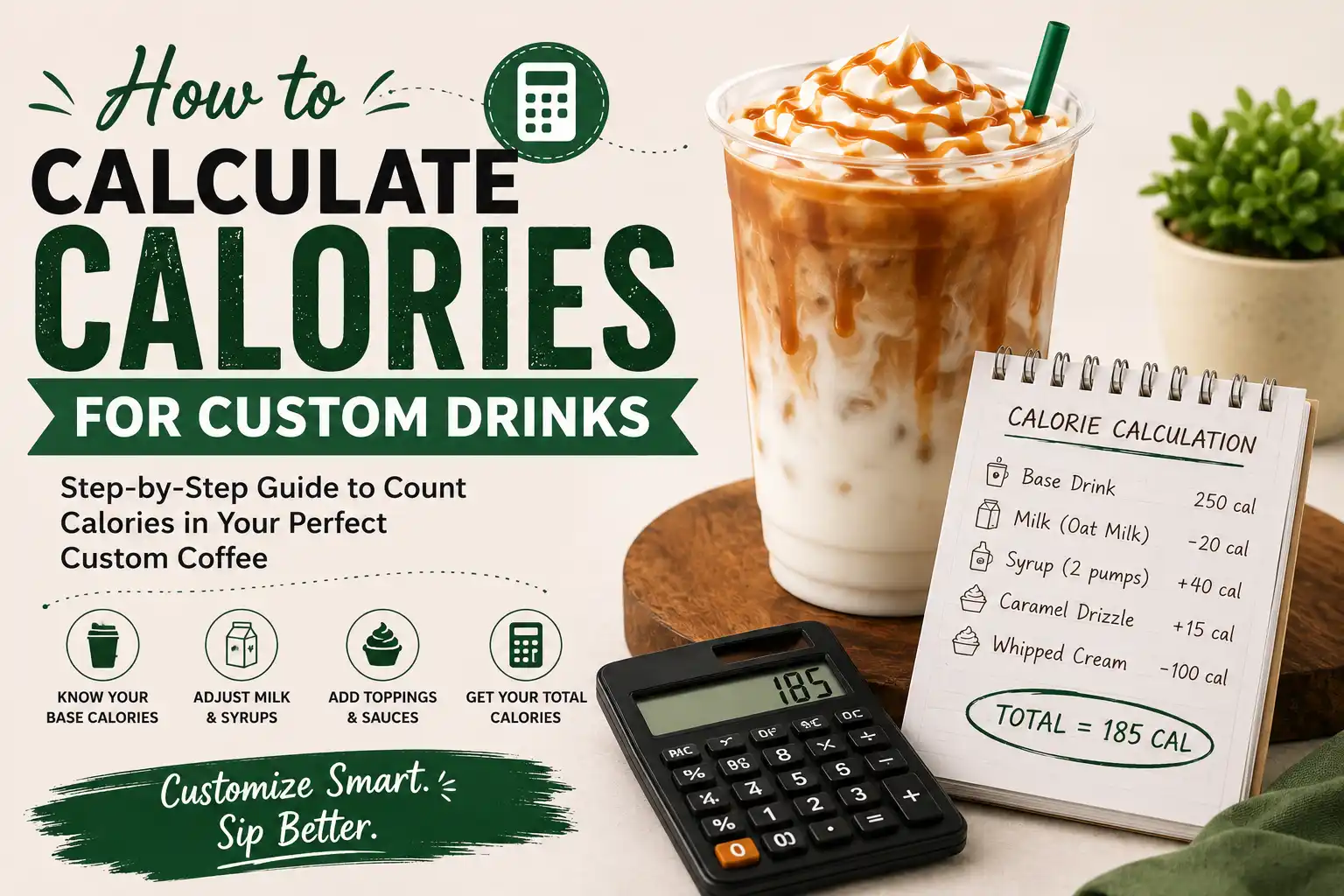
Starbucks has thousands of possible drink combinations. When you add a splash of oat milk here or an extra pump of vanilla there, the calorie count can shift dramatically. If you are watching your intake or following a specific diet plan, knowing how to calculate Starbucks calories for your custom order is genuinely useful. This guide walks you through every step so you can walk up to the counter with full confidence about what you are ordering.
Why custom Starbucks drinks have different calorie counts
The calorie count on the Starbucks app or menu board reflects the drink as it is made by default. The moment you swap an ingredient or add something extra, that number changes. Here is what drives the difference:
- Base drink: Every drink starts with a calorie baseline. A plain espresso has almost no calories. A base Frappuccino already has a significant amount before any add-ons.
- Milk choice: Whole milk, oat milk, almond milk, coconut milk and heavy cream all carry different calorie loads. This is one of the biggest variables in the final count.
- Syrup pumps: Each pump of classic syrup adds around 20 calories. If your drink comes with four pumps by default and you add two more, that is roughly 40 extra calories just from syrup.
- Sauces: Mocha sauce, caramel sauce and white chocolate mocha sauce are much richer than syrups. A single pump can add 25 to 60 calories depending on the type.
- Whipped cream: A full serving of whipped cream adds roughly 70 to 110 calories to your drink.
- Toppings and drizzles: Caramel drizzle, java chips and other toppings each add a modest but real number of calories that stack up quickly.
What you need before you start calculating
To get an accurate number, gather these details about your drink before you begin:
- The drink size (Tall, Grande, Venti, Trenta)
- The base drink name (Latte, Cappuccino, Frappuccino, Cold Brew, etc.)
- Your milk choice
- The number of syrup pumps and which syrups
- Any sauces
- Whether whipped cream is included or removed
- Any drizzles or toppings
- Extra espresso shots or any other additions
Step-by-step guide to calculate Starbucks calories
Step 1: Start with the base drink calories
Go to the Starbucks app, website, or use the nutrition info page to find the calorie count of your drink in the size you want with its default ingredients. This is your starting number.
For example, a Grande Caramel Macchiato made with 2% milk is listed at around 250 calories. That is your baseline.
Step 2: Identify what the default version includes
Before you add or subtract anything, check what the default recipe includes. A standard Grande Caramel Macchiato already contains vanilla syrup, 2% milk and a caramel drizzle. If you are ordering those anyway, no changes are needed for those items.
Step 3: Calculate changes from your milk swap
Milk accounts for a large portion of calories in espresso-based drinks. Use this table as a guide:
If you swap from 2% milk to almond milk in a Grande drink, you save roughly 90 calories just from that one change.
Step 4: Add or subtract syrup pump calories
Each pump of most flavored syrups adds around 20 calories. A Grande drink typically gets three to four pumps by default. If you reduce from four pumps to two, subtract about 40 calories. If you add two extra pumps, add 40 calories.
Sugar-free syrups such as sugar-free vanilla and sugar-free cinnamon dolce have around 0 to 5 calories per pump. Switching to these saves around 20 calories per pump compared to regular syrups.
Step 5: Account for sauces
Sauces are thicker and higher in calories than syrups. Use these rough numbers per pump:
- Mocha sauce: ~25 cal per pump
- White chocolate mocha sauce: ~60 cal per pump
- Caramel sauce: ~15 to 25 cal per pump
- Dark caramel sauce: ~25 cal per pump
Step 6: Add or remove whipped cream and toppings
If you remove whipped cream from a drink that includes it by default, subtract around 70 to 110 calories depending on the size. Toppings like caramel drizzle add around 15 calories. Java chips add roughly 80 to 90 calories in a Grande size.
Step 7: Add up the total
Once you have accounted for all changes, add them to or subtract them from your baseline number. The result is your estimated calorie count for the custom drink.
Quick formula: Custom drink calories = Base drink calories + milk difference + (syrup pumps added or removed × ~20) + sauce pumps + toppings added or removed
Example calculations
Example 1: Iced latte with oat milk and sugar-free vanilla
- Grande Iced Latte base (2% milk, no flavoring): ~130 cal
- Swap 2% milk for oat milk: subtract ~20 cal
- Add 3 pumps sugar-free vanilla: add ~5 cal
- Total estimate: ~115 cal
Example 2: Caramel Macchiato with fewer syrup pumps
- Grande Caramel Macchiato (default): ~250 cal
- Reduce vanilla syrup from 3 pumps to 1 pump: subtract ~40 cal
- Total estimate: ~210 cal
Example 3: Mocha Frappuccino without whipped cream
- Grande Mocha Frappuccino (default): ~370 cal
- Remove whipped cream: subtract ~100 cal
- Total estimate: ~270 cal
Ingredients that add the most calories
If you are trying to keep your drink lighter, these are the ingredients to watch most closely:
- Sweetened syrups at multiple pumps are the most common source of hidden calories
- White chocolate mocha sauce is the highest-calorie sauce on the menu
- Heavy cream adds more calories than any other milk option
- Cold foam made with whole milk and vanilla syrup adds 60 to 120 calories
- Java chips in Frappuccinos are an often-overlooked calorie source
Tips to reduce calories in your Starbucks order
✨ Try these swaps — to bring your drink's calories down without sacrificing too much on taste.
- Choose a smaller size. Going from a Grande to a Tall typically saves 20 to 80 calories depending on the drink.
- Reduce syrup pumps. Ask for half the default amount or reduce by one to two pumps. Most drinks still taste sweet enough.
- Skip the whipped cream. This is one of the easiest single swaps for saving 70 to 110 calories.
- Choose almond or nonfat milk. These two options carry the fewest calories among common milk choices at Starbucks.
- Use sugar-free syrups. Sugar-free vanilla and cinnamon dolce both cut syrup calories to near zero.
- Order light on the sauce. Asking for one pump of mocha or caramel sauce instead of the default two or three cuts a notable amount.
Benefits of using a Starbucks calorie calculator
Manually calculating calories every time you order can be tedious. A dedicated Starbucks calorie calculator automates the process. Here is why using one is worth it:
- It saves time at the counter
- It gives more accurate numbers than rough estimates
- It helps you plan ahead for the rest of the day's meals
- It makes it easier to stick to calorie goals over the long term
- It reduces the mental load of tracking macros manually
Common mistakes when estimating Starbucks calories
Even careful people make these errors. Knowing them in advance helps you avoid them:
- Forgetting default toppings. Many drinks include a drizzle or cold foam by default that customers overlook.
- Ignoring default syrup amounts. Some drinks include more syrup pumps than expected. Always check the default recipe.
- Assuming all plant milks are low calorie. Oat milk is actually close to 2% milk in calories and higher than almond milk by a significant margin.
- Overlooking sauces vs. syrups. Treating mocha sauce as equivalent to vanilla syrup in calories leads to a large undercount.
- Not accounting for size changes. A larger size uses more milk, more syrup and more of everything else. Calories scale accordingly.
Conclusion
Knowing how to calculate Starbucks calories for your custom order puts you in control of your nutrition without forcing you to give up the drinks you enjoy. The process comes down to understanding your baseline, tracking what you add or remove and using the calorie values for each ingredient type.
The biggest levers are your milk choice, the number of syrup pumps and whether you include whipped cream. Even small adjustments in these areas can shift your drink's total by 100 calories or more. Once you have done this a few times, it becomes second nature.
Use the Starbucks app's built-in nutrition customizer or a dedicated Starbucks calorie calculator to make the process faster. With the right information in hand, you can enjoy your favorite custom drink and still stay on track with your goals.