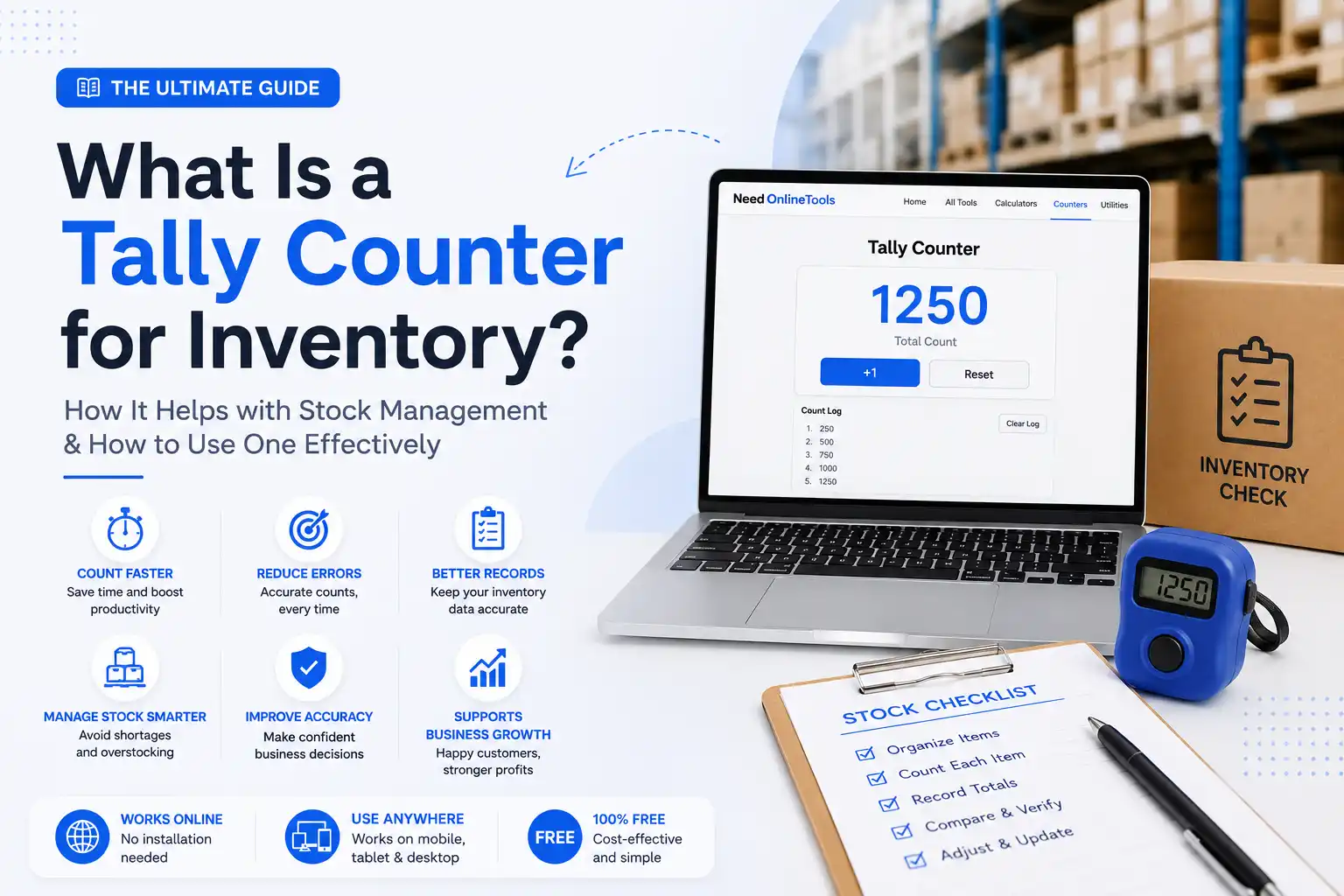
Managing inventory without a reliable counting system is like trying to bake a cake without measuring ingredients, you might get close, but mistakes are inevitable. Whether you run a small retail shop, manage a busy warehouse, or work as an inventory clerk, keeping accurate stock records is one of the most critical parts of your operation. A tally counter for inventory gives you a simple, reliable way to count every item without losing track or making costly errors. In this guide, you'll learn exactly what a tally counter is, why it matters and how to use one to make your stock management faster and more accurate.
What Is a Tally Counter for Inventory?
A tally counter is a counting tool that increases a number by one each time you press a button or click a key. In inventory management, you use it to count physical items, products on shelves, boxes in a warehouse, medicines in a pharmacy, or units in a storage room.
Traditional tally counters were small handheld mechanical devices with a button on top. Today, digital tally counters and online tally counters have made counting even easier. You simply open the tool on your phone or laptop, press a button for each item you count and the number goes up automatically. No pen, no paper, no mental math.
An online tally counter works the same way but runs in your web browser. It is free, requires no installation and works on any device like desktop, tablet, or mobile.
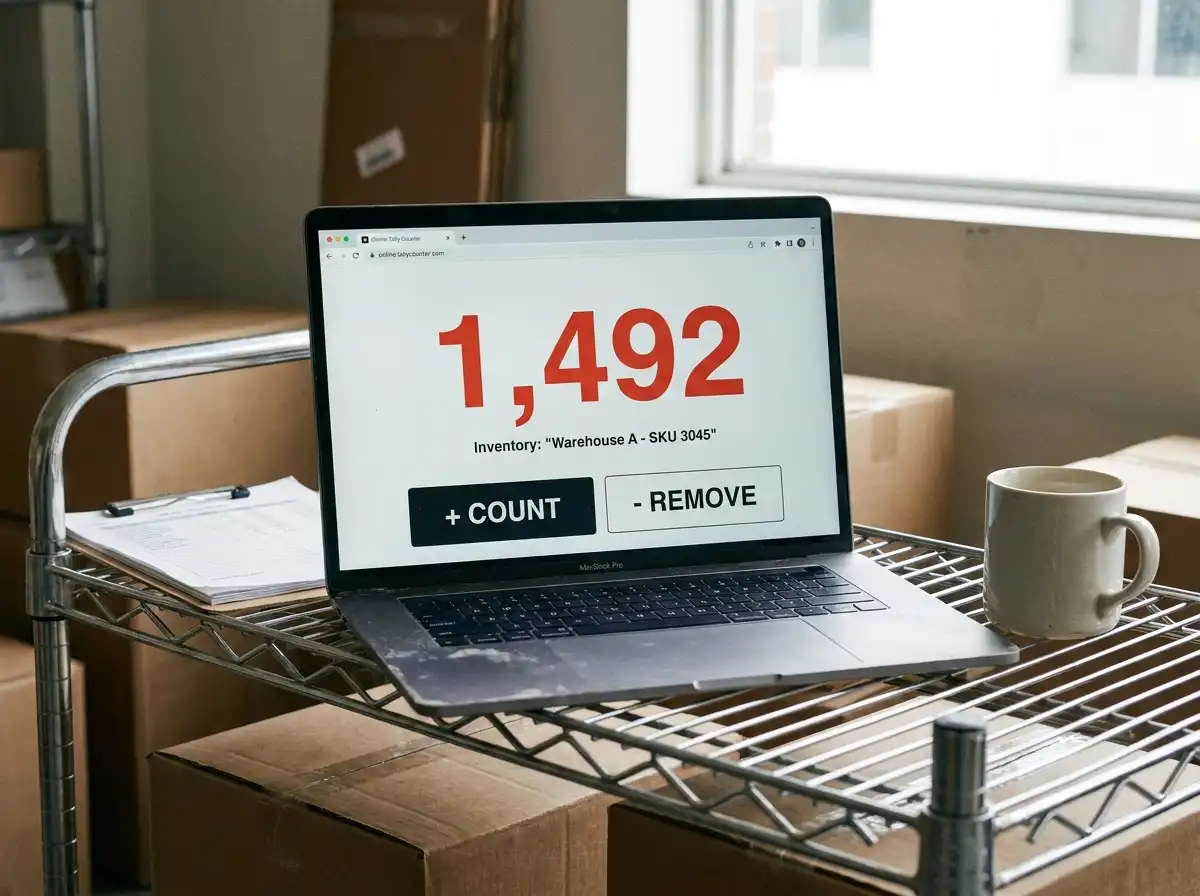
Why Accurate Inventory Counting Matters
Counting stock accurately is not just a good habit, it directly affects your business's health. Here is why it matters:
Prevent Stock Shortages When you run out of a product without knowing it, customers walk away empty-handed and frustrated. Accurate counting helps you reorder stock before shelves go empty.
Reduce Overstocking Buying too much stock ties up money and storage space. A reliable count shows you exactly what you have so you can order only what you need.
Improve Financial Records Your inventory value affects your accounting, taxes and profit calculations. Even small counting errors can throw off your books significantly.
Save Time During Audits Annual audits and stock checks go much faster when your records match the physical count. Discrepancies cost time and money to investigate.
Increase Customer Satisfaction When stock levels are accurate, you fulfill orders on time, avoid disappointments and build customer trust.
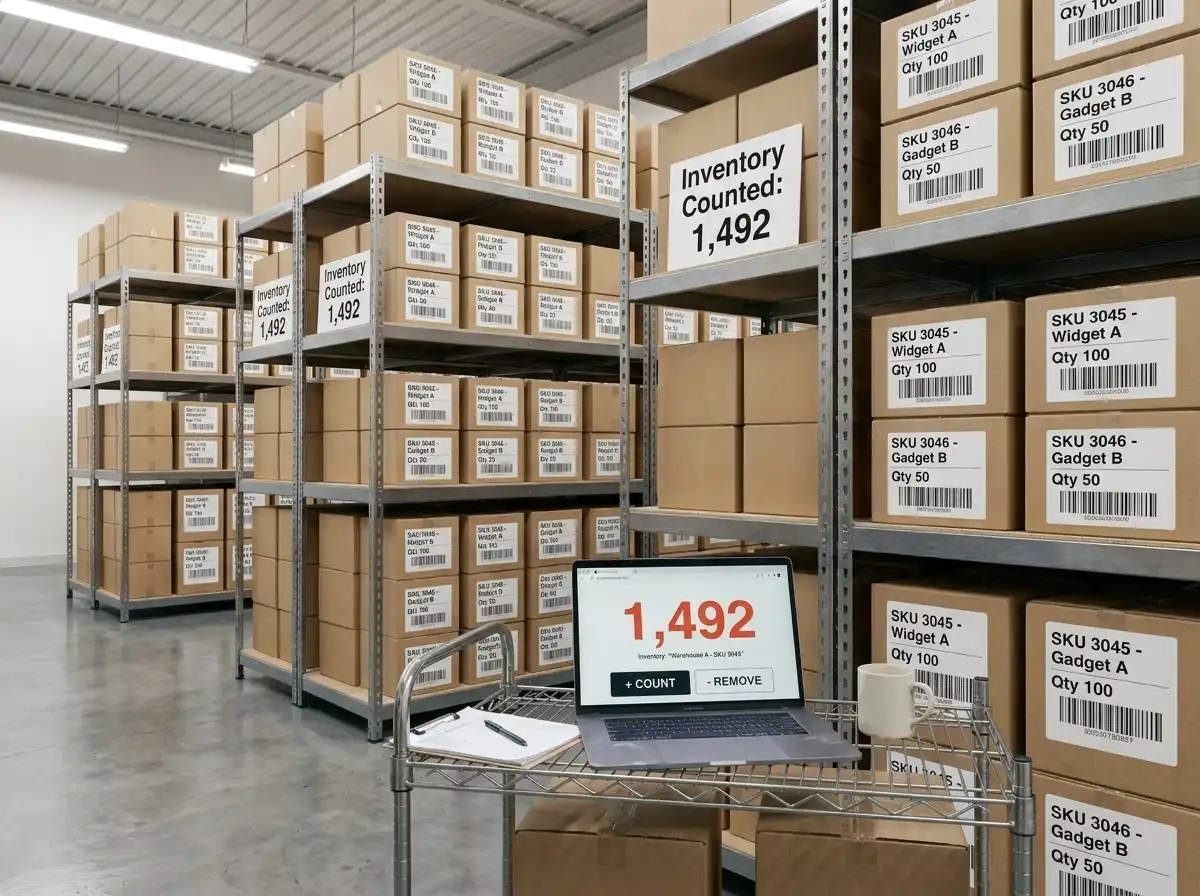
How a Tally Counter Helps with Stock Management
A tally counter transforms the way you handle stock counting. Here is how it makes a real difference:
Faster Counting Instead of writing a number on paper after every few items, you simply click once per item. This keeps your hands free and your pace steady.
Fewer Errors Manual mental counting is easy to lose track of, especially when you reach numbers like 47 or 83. A tally counter holds the number for you, so your brain can focus on identifying items rather than remembering counts.
Better Focus When you are not worried about forgetting your count, you can concentrate fully on what you are counting. This leads to more accurate results every time.
Easier Recounting If you need to recheck a section, the counter lets you reset and start again instantly, no erasing, no crossing out.
Supports Large Inventories Whether you are counting 50 items or 5,000, a tally counter scales effortlessly. It is just as reliable for counting 10 boxes as it is for counting 10,000 units.
Best Use Cases for a Tally Counter
A tally counter for inventory fits a wide range of settings:
- Retail Stores: Count products on shelves during closing hours or scheduled stock checks.
- Warehouses: Track incoming and outgoing shipments, or perform full inventory audits.
- Pharmacies: Verify medicine quantities accurately, where precision is especially critical.
- Grocery Shops: Count perishable and non-perishable items quickly during restocking.
- Manufacturing Units: Count raw materials or finished goods before and after production runs.
- E-Commerce Businesses: Verify stock before listing products or fulfilling orders.
Step-by-Step: How to Use a Tally Counter for Inventory
Using a tally counter is straightforward. Follow these steps for a smooth, accurate count:
- Organize Your Items: Arrange products in rows, sections, or categories so you move through them systematically and do not accidentally count the same item twice.
- Open or Set Up Your Counter: Launch an online tally counter on your phone or computer, or prepare your physical device.
- Click Once Per Item: As you move through each product, press the button once for every unit you count. Do not rush a steady pace reduces mistakes.
- Record the Total for Each Section: Once you finish a section, note the total in your stock sheet before moving on. This creates checkpoints so any errors stay contained.
- Compare With Stock Records: After counting, compare your tally totals with the numbers in your inventory management system. Note any discrepancies.
- Investigate and Adjust: For any mismatches, recount that section and update your records accordingly.
- Reset and Continue: Reset the counter before starting each new section or product category.
Benefits of Using an Online Tally Counter
An online tally counter offers everything a physical counter does and more:
- Free to Use: Most online tally counters cost nothing, making them ideal for small businesses and individuals.
- No Installation Required: Open it in any browser and start counting immediately.
- Works on Mobile and Desktop: Count from your phone on the warehouse floor or your laptop at the stockroom desk.
- Saves Time: No setup, no batteries, no maintenance.
- Accessible Anywhere: As long as you have an internet connection (or even a cached page), you can count.

Common Inventory Counting Mistakes and How to Avoid Them
Even with a tally counter, some habits can undermine accuracy. Watch out for these common pitfalls:
Double Counting Moving items from one area to another mid-count can cause you to count them twice. Finish one section completely before moving stock.
Missing Damaged Items Damaged or returned goods must still be counted. Set aside a separate category for them so they are not overlooked.
Losing Concentration Long counting sessions lead to mental fatigue. Take short breaks every 30 to 45 minutes to stay sharp.
Poor Labeling If items are not clearly labeled or organized, misidentification is easy. Always verify what you are counting before you click.
Not Verifying Unusual Numbers If a count comes out much higher or lower than expected, always recount that section. Trust the process, not assumptions
Manual Counting vs. Tally Counter
The comparison is clear. A tally counter wins on every practical measure, especially for larger or more complex inventories.
Tips for Faster and More Accurate Inventory Counts
These practical tips will help you get the most out of your tally counter:
- Count in Sections: Divide your inventory into smaller zones and count one at a time. This keeps the process manageable and reduces mental overload.
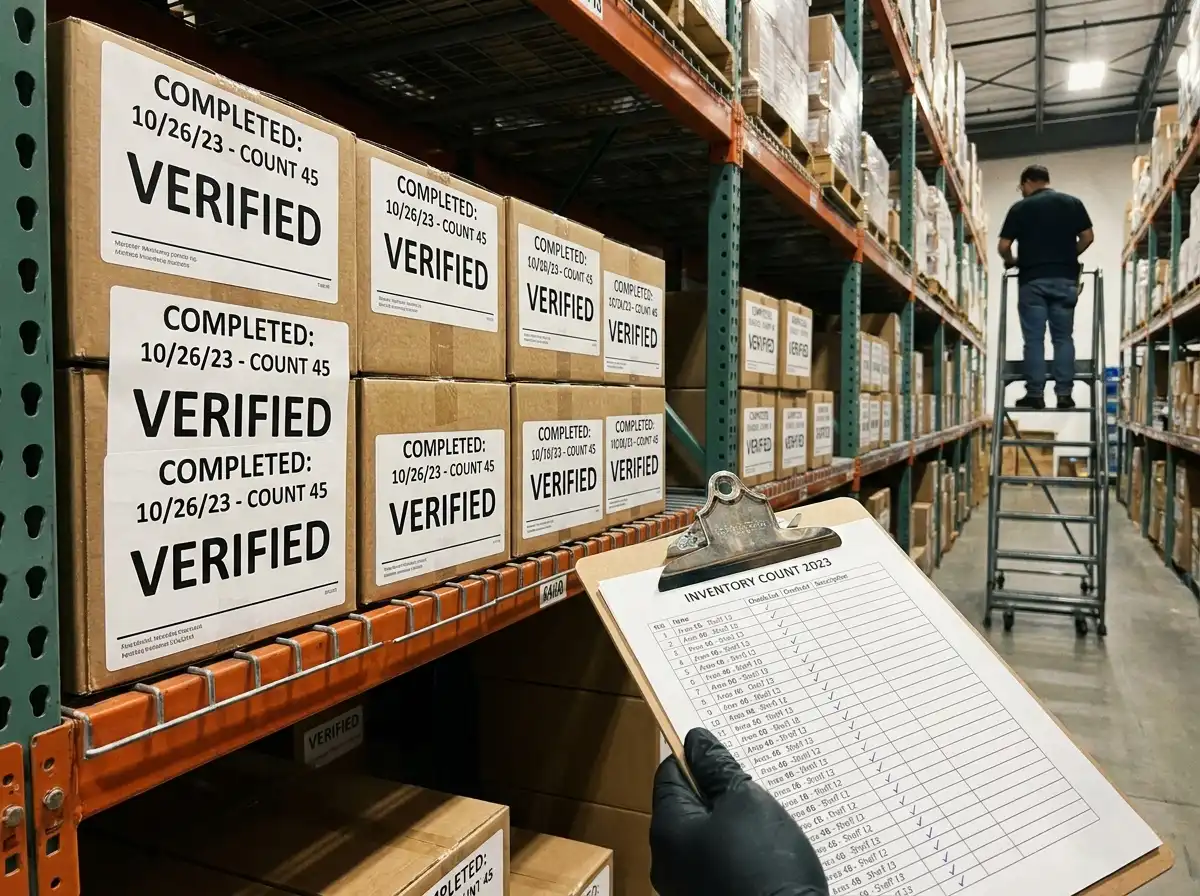
- Label Completed Areas: Use sticky notes or tape to mark sections you have already counted. This prevents accidental re-counting.
- Take Short Breaks: Fatigue causes mistakes. Step away briefly between sections to keep your focus sharp.
- Verify Unusual Numbers: If a count looks off, trust your instincts and recount. A few extra minutes now saves major headaches later.
- Use a Consistent Method: Always count in the same direction (left to right, top to bottom) so nothing gets skipped.
- Count at Quiet Times: Perform inventory counts during off-hours or closed periods when there is no movement of goods to cause confusion.
Who Should Use a Tally Counter for Inventory?
A tally counter is useful for anyone who needs to track a quantity accurately:
- Business Owners who perform their own stock checks
- Warehouse Staff handling receiving, shipping and audits
- Auditors verifying financial and physical records
- Retail Employees doing shift-end or monthly stock counts
- E-Commerce Sellers checking available units before taking orders
- Students learning inventory and supply chain management
- Volunteers counting donations, supplies, or event materials
The beauty of a tally counter is its simplicity. No training is required. Anyone can pick it up and start using it immediately.
Conclusion
Counting inventory accurately is one of the most fundamental tasks in any business, yet it is also one of the most error-prone when done manually. A tally counter for inventory removes the guesswork, reduces mistakes and speeds up the entire counting process whether you are checking 20 items on a shop shelf or 2,000 units in a warehouse.
With a free online tally counter, you do not need specialized equipment or software. All you need is a browser and the habit of clicking once per item. The result is cleaner records, fewer discrepancies, more confident audits and better stock management overall.
If you have been relying on pen-and-paper counts or mental math, now is the time to make the switch. Try an online tally counter for your next inventory check and see the difference for yourself.